|
HOME > Tricks > How to play on network with friends (work in progress)
|
How to play on local network with friends !
Yes, you can play OutRun2 SP on your local network up to 4 players simultaneously as if you were playing in arcade with cabinets.
IMPORTANT NOTE :
- You can play in LOCAL NETWORK that means at home with 2, 3 or 4 computers linked on the same network, all connected to your internet box for example.
- Remember, when the configuration of the value TOTAL MACHINE (on TEST MODE) is done for 2, 3 or 4 players, when starting the game, each computer will wait for the others to be synchronized so you can NOT run 1 player mode ANYMORE until you set up again the TOTAL MACHINE on 1, I explain that later.
Thanks to Brad B's Youtube tuto (quite old so not very accurate now) : Youtube, networking with OutRun 2 SP on Teknoparrot
Configuring both computers
This example is for 2 computers. First, connect both computer to the same network. Disconnect VPN or so, it might be a problem for you.
Then on each of them, make the same procedure. We will get some network parameters like IP adress, mask, gateway and DNS.
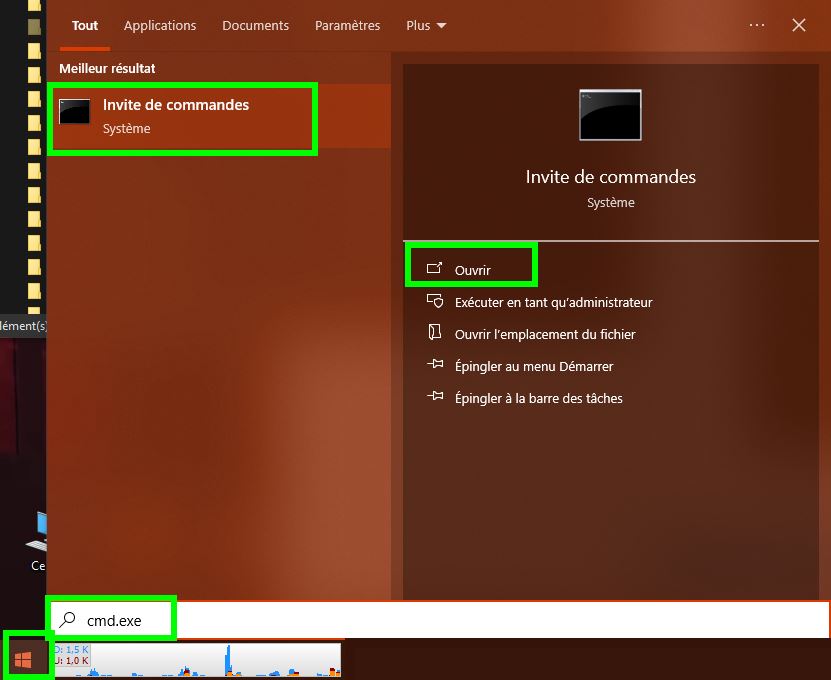
Open a command line :
|
 |
Type the command ipconfig /all and then ENTER. You will have a list of your network adapters.
Normally you have only ONE card connected to the network so you might be able to find that, here for exemple with my wifi connection on my local network. Your values might be completly different, it's normally not a problem :
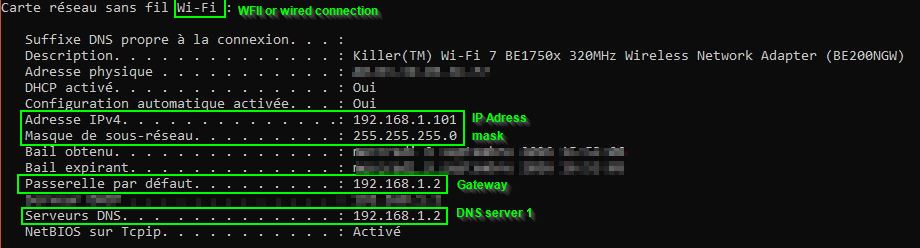
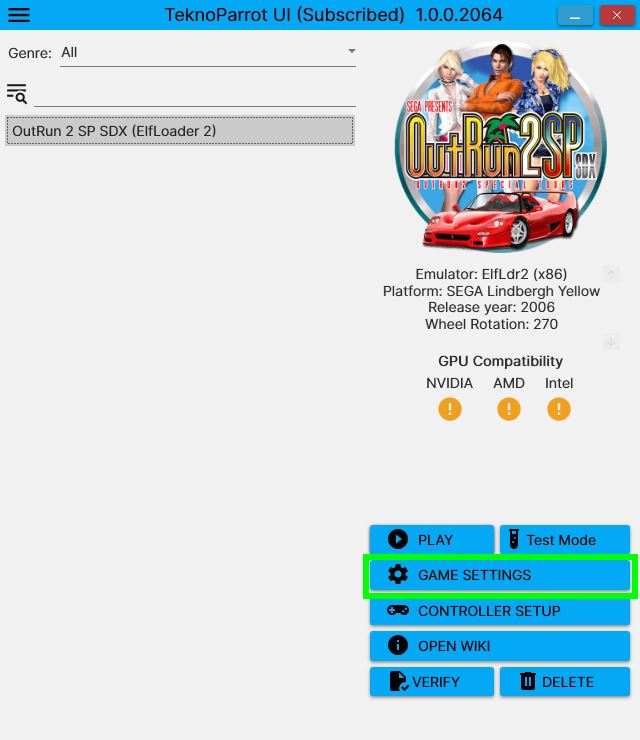
Now, you have to specify these numbers in the configuration of OutRun2 SP in Teknoparrot so open Teknoparrot and click GAME SETTINGS
Specify like this
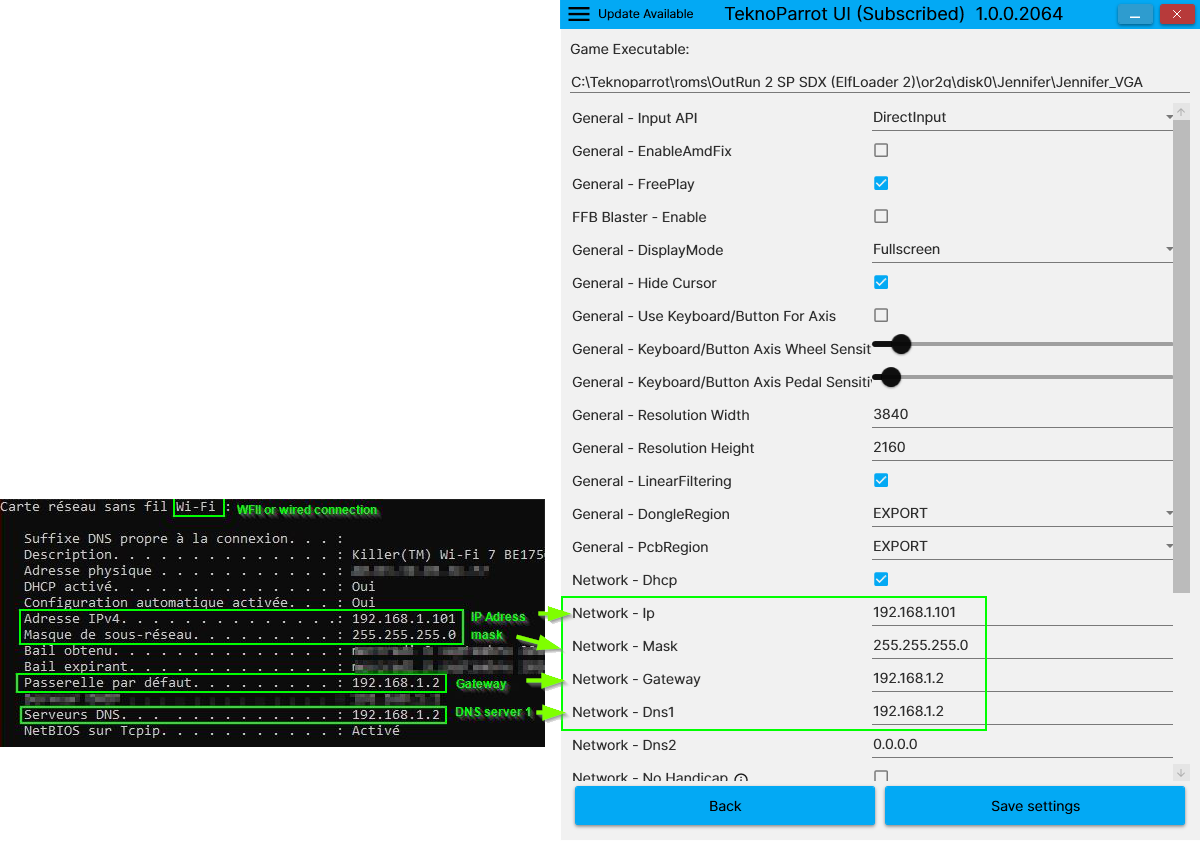
Do this for both computers. Normally you have the same mask, gateway and dns but a different IP adress.
NOTE :
- once the network configured, you can still play 1 player without changing anything, there is no incidence at this step
- next time you play, after a computer reboot for example, you will have to check if these values changed on your computer and if yes, you will have to change them in Teknoparrot to be able to play 2 players.
Congratulations, you configured the first part, the network on Teknoparrot
Configuring OutRun 2 SP for networking
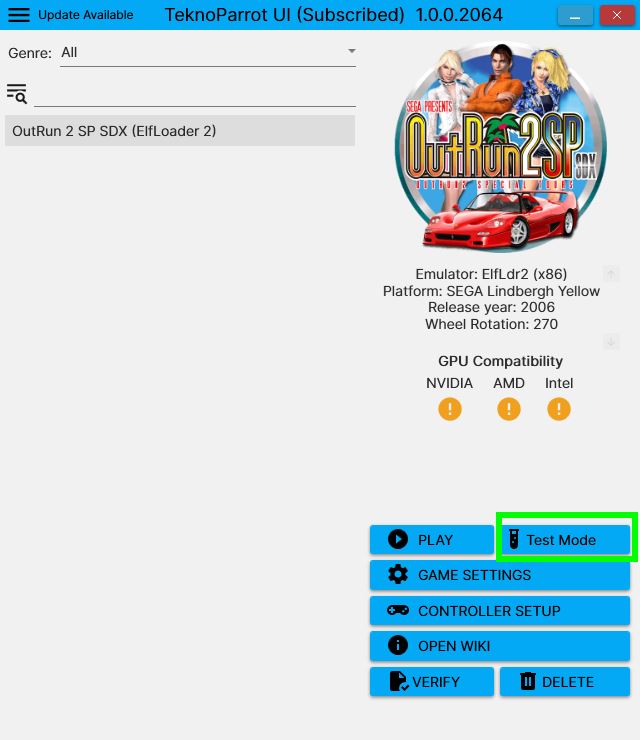
Enter the TEST MODE on OutRun2 SP
Go to GAME ASSIGNMENT
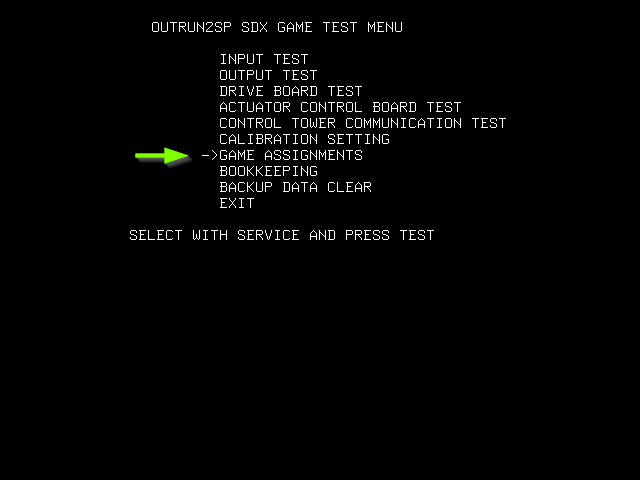
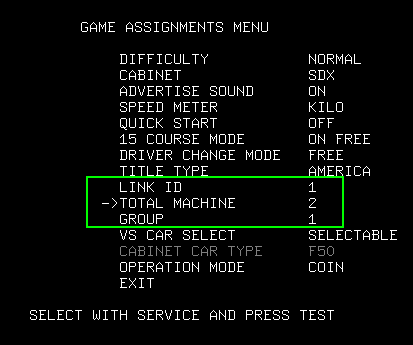
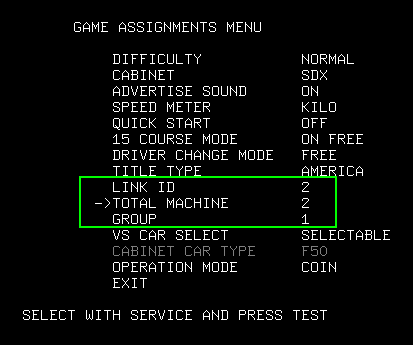
And now configure each computer differently. For example here with 2 players
|
1st computer
- LINK ID : 1 each computer must have a different number here
- TOTAL MACHINE : 1, 2, 3 or 4 depending of how many you play
- GROUP : 1
VERY IMPORTANT
When you modify the value TOTAL MACHINE with somehting else than 1, the game will not start until other joined. So you can no longer play alone !! You will have to set this value to 1 again to be able to play alone as usual !
|
2nd computer
- LINK ID : 2
- TOTAL MACHINE : 2
- GROUP : 1
|
Don't forget to quit with EXIT to save the configuration.
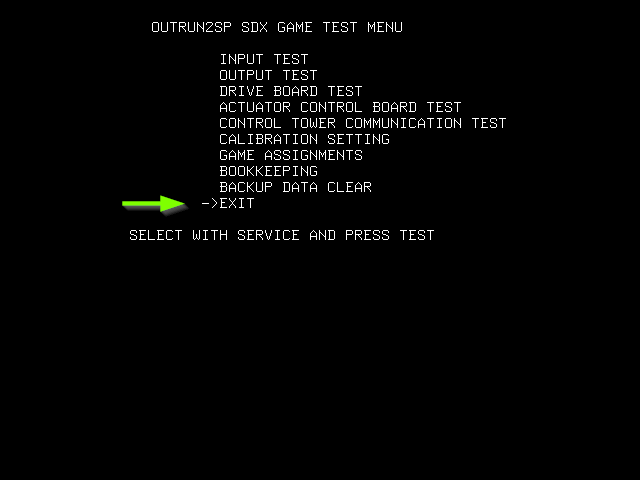
|
Congratulations, you configured the second part, ready to play ?
Launch the game !
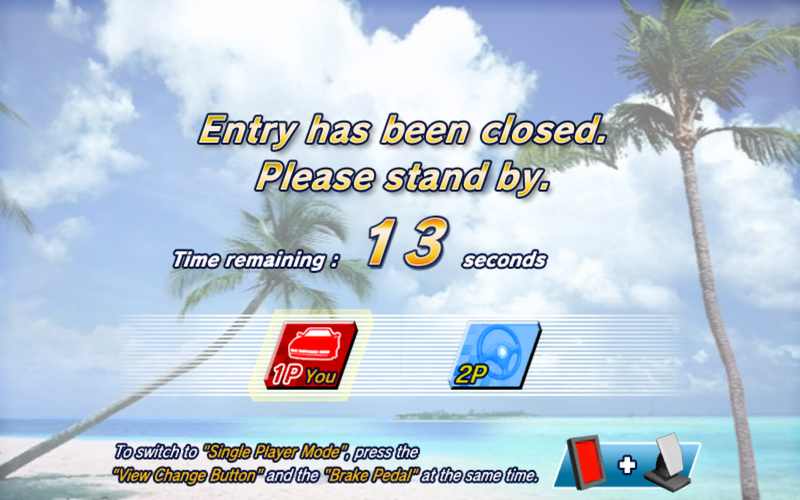
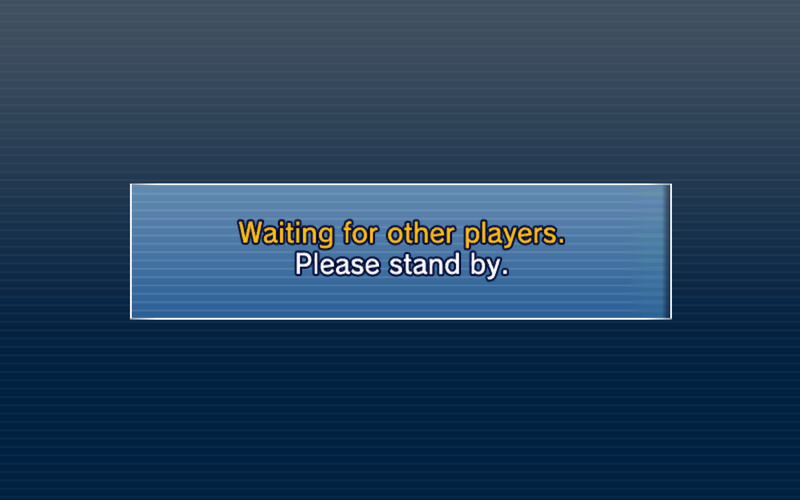
When launching the game, each computer will wait for others to synchronize.
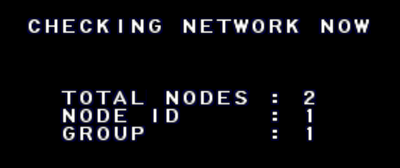
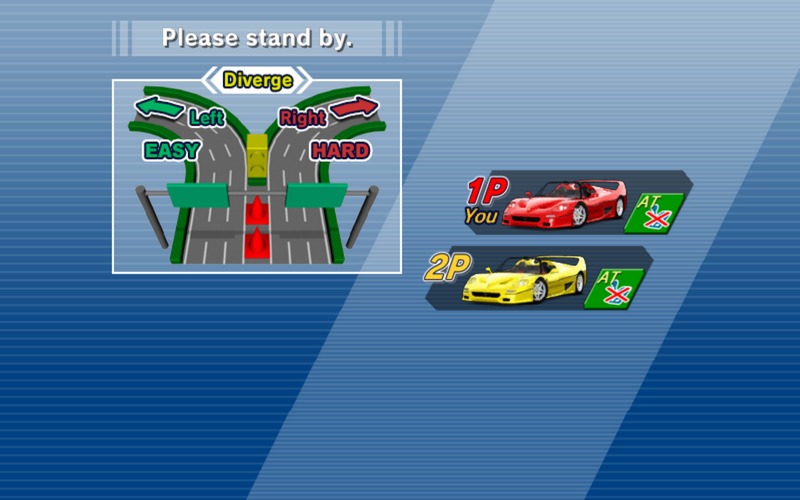
Wait about 10-20 seconds and you will see

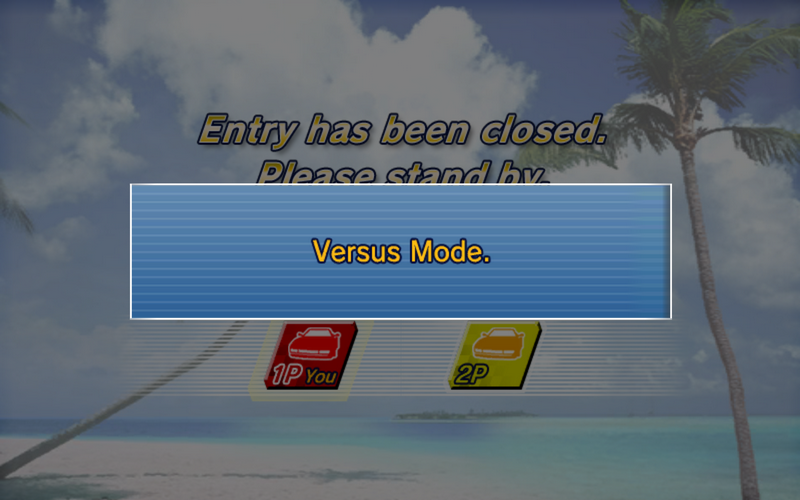
Congratulations, it works !
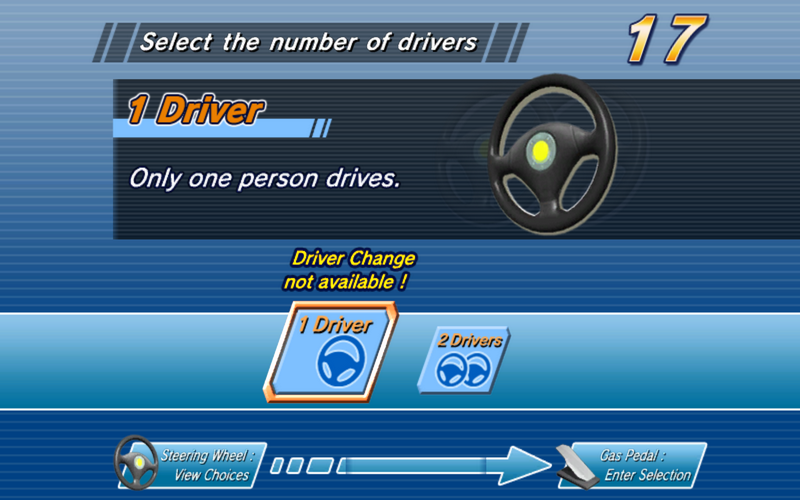
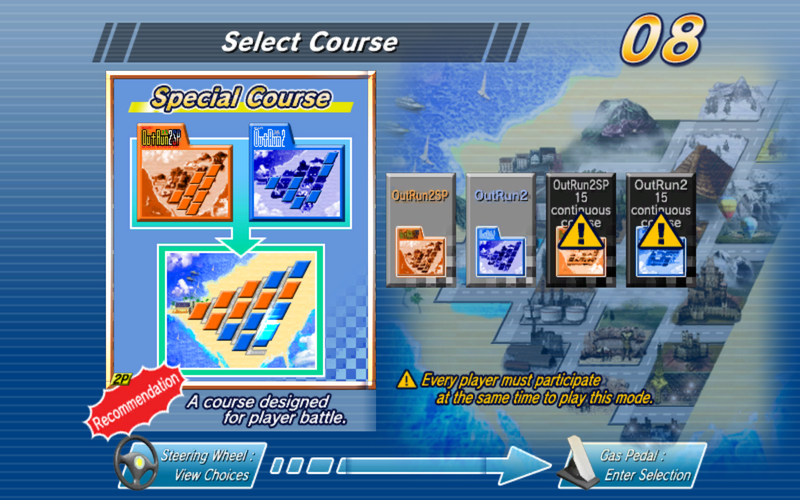
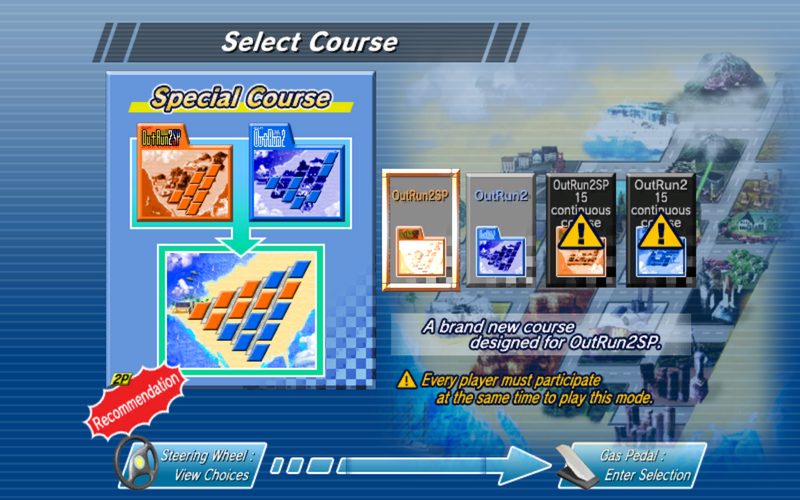
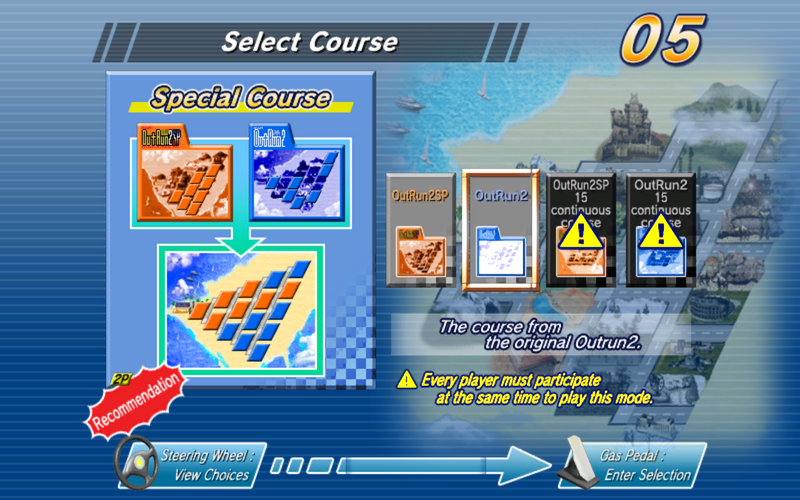
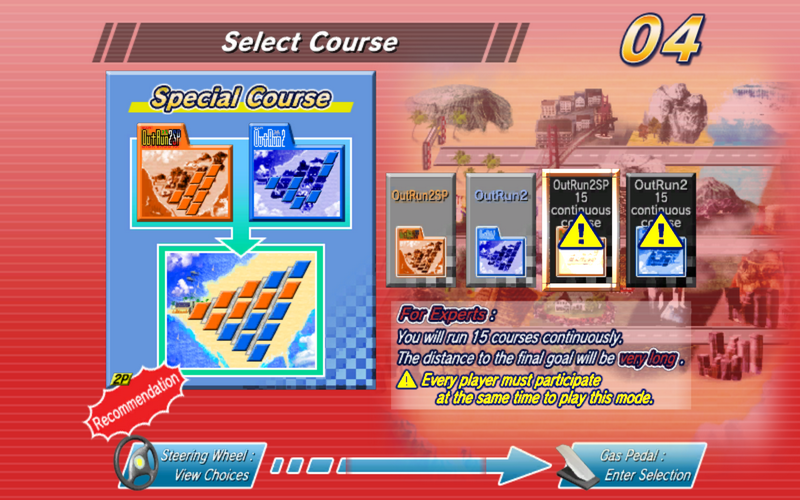
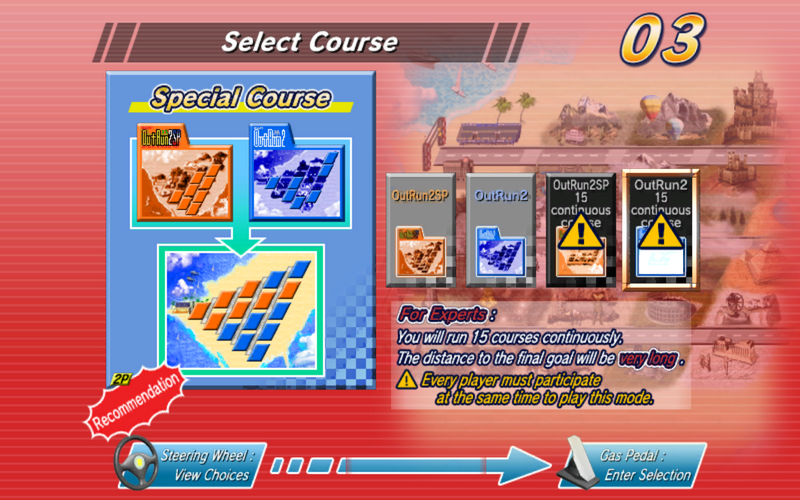
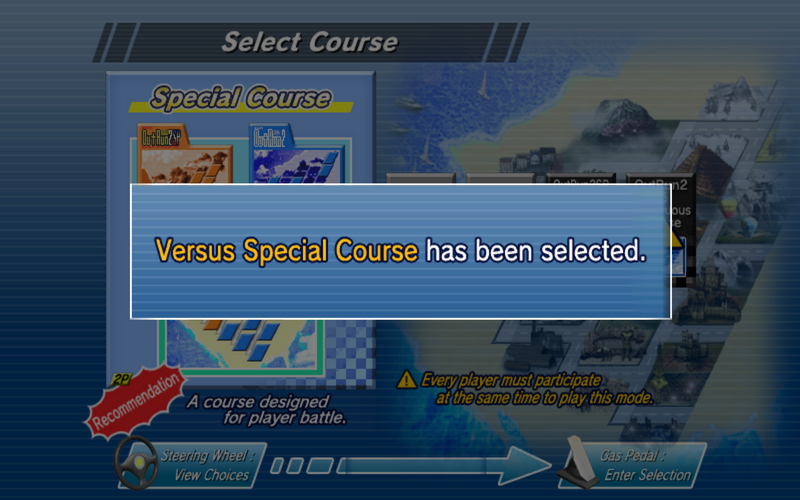
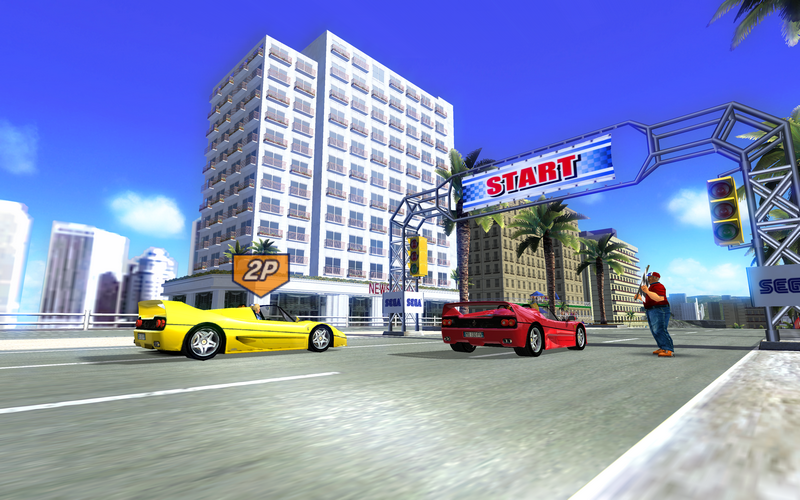
Now you just have to play, here is some screenshots.
Remember, you can NOT change the color of your car when playing in network mode.
|
|
2026 - Outrun2Tricks is just here to help gamers to configure Outrun2 SP on Teknoparrot the best way possible and enjoy it ! |
|