|
HOME > Tricks > How to activate the 15 courses mode
|
How to activate the 15 courses mode
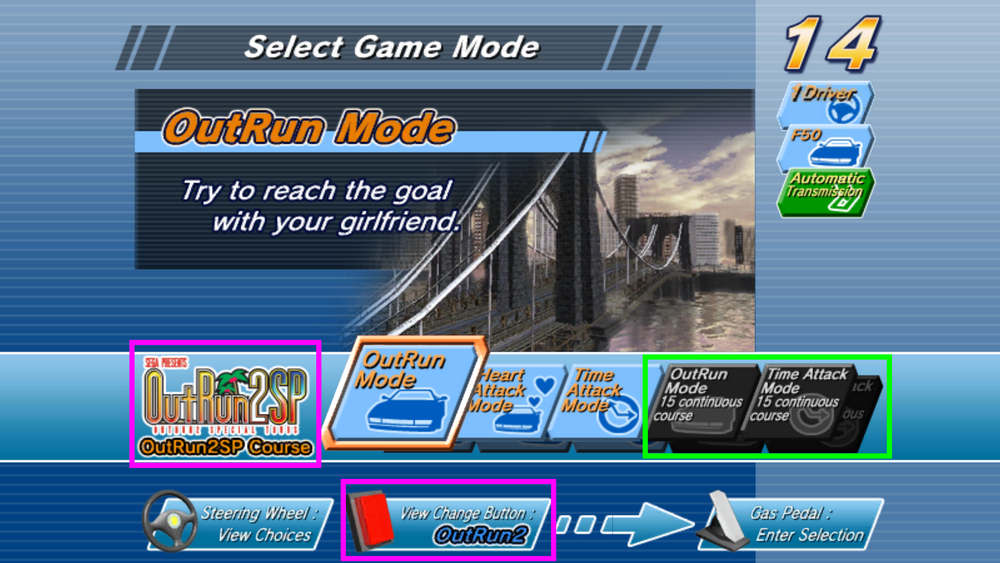
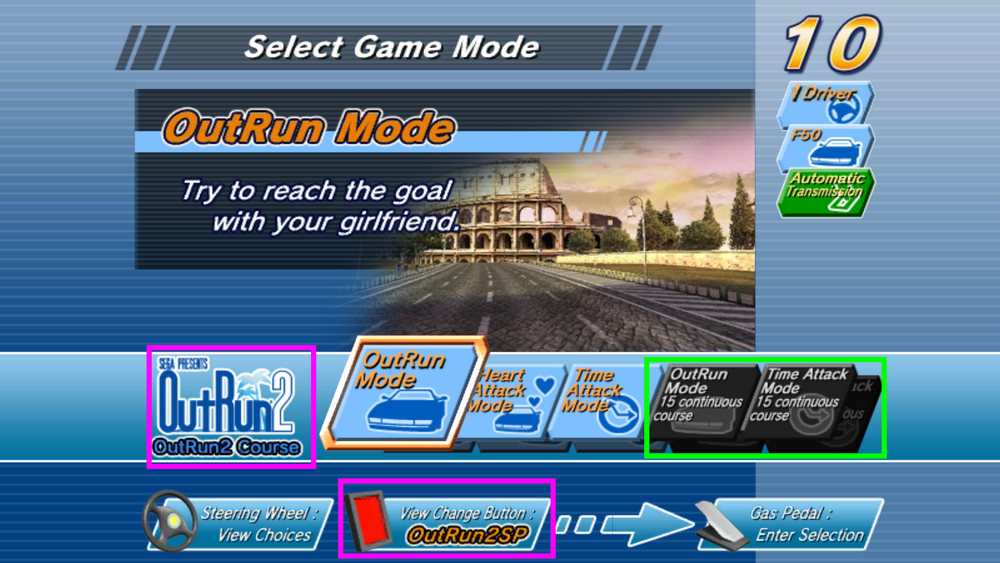
OutRun 2 SP SDX on TeknoParrot contains 30 tracks spread across two maps of 15 tracks each, as OutRun 2 and OutRun 2 SP SDX are available in the same ROM.
You switch between game modes by pressing the VIEW button.
You will notice that the OUTRUN and TIME ATTACK modes, which string together all 15 races, are also available (highlighted in green).
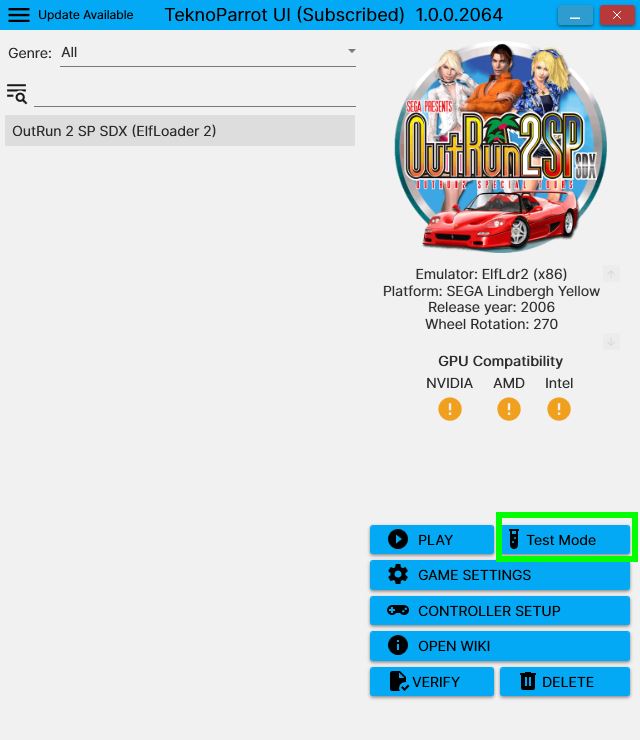
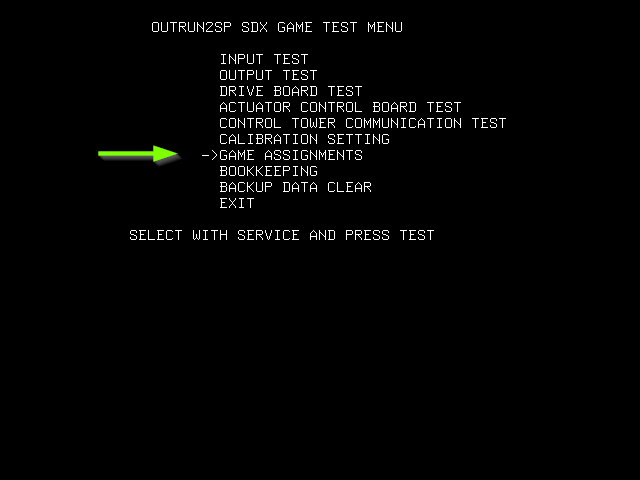
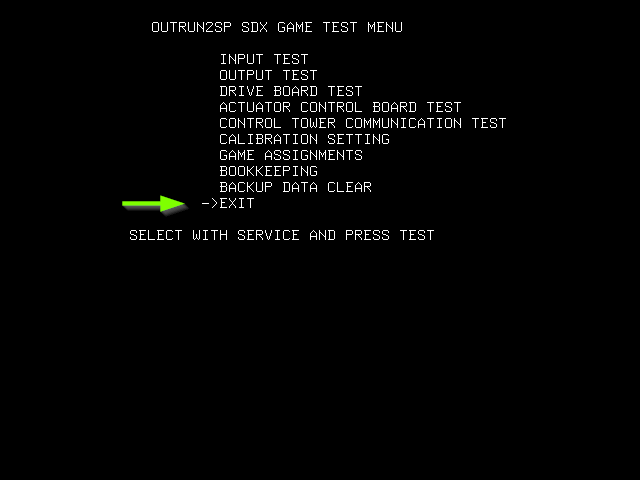
To activate them, simply launch OutRun 2 on TEST MODE, and you will access the arcade cabinet's configuration menu :
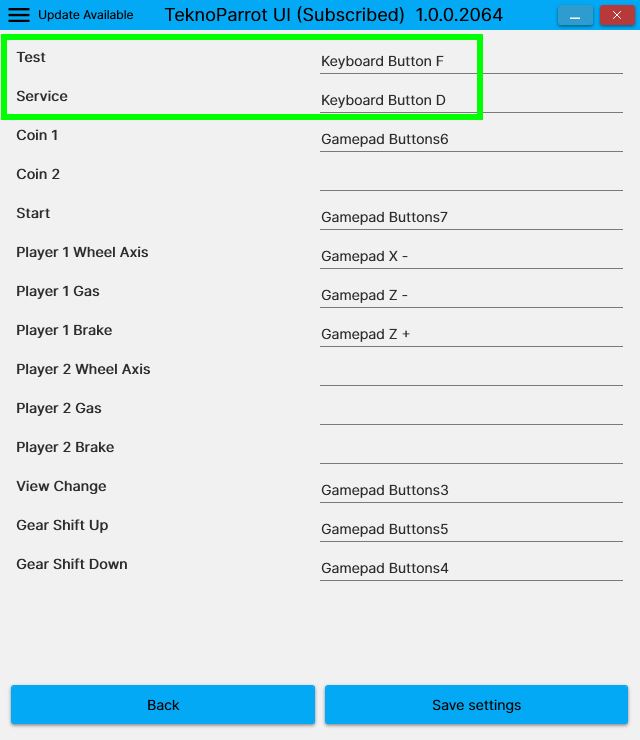
But first, make sure you have correctly configured the keys used to navigate the menu, as follows :
- D moves through the menu
- F confirms or changes the value
You have many options. As for us, go to GAME ASSIGNMENTS.
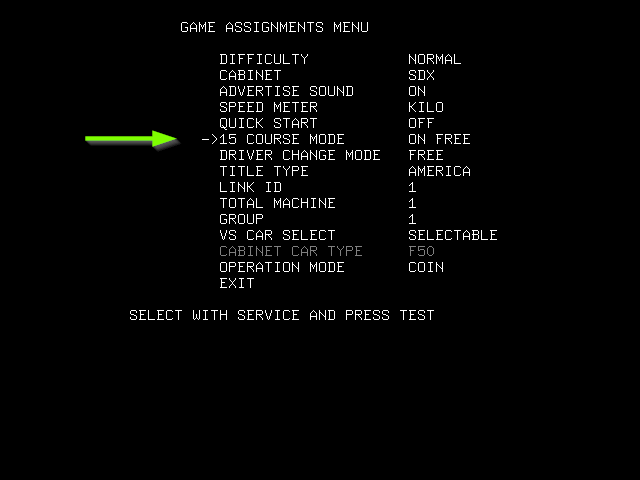
You will find the following options; the one that interests us is :
- 15 COURSE MODE, which you can set to "ON FREE" so it appears directly in the game menu.
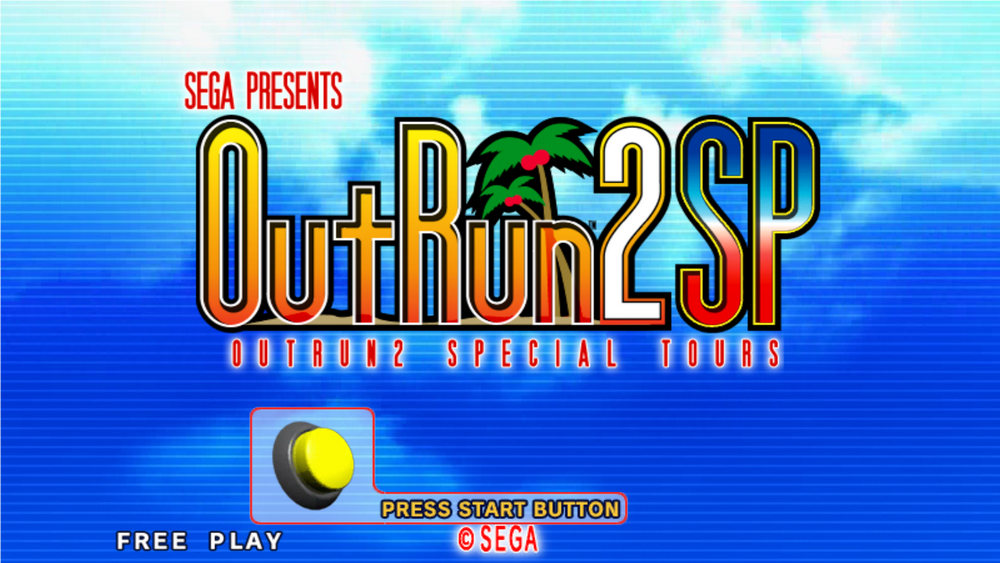
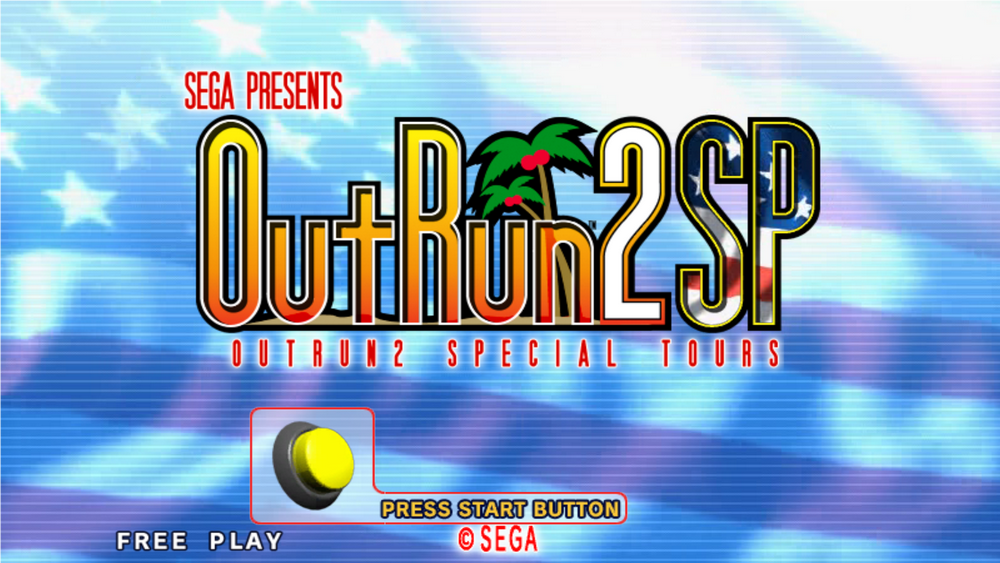
- Just for fun, the TITLE TYPE option lets you display an American flag on the game's title screen.
CAREFUL ! Make sure to exit these options correctly, otherwise they will not be saved.
|
|